what are you waiting for?
Setup Guide
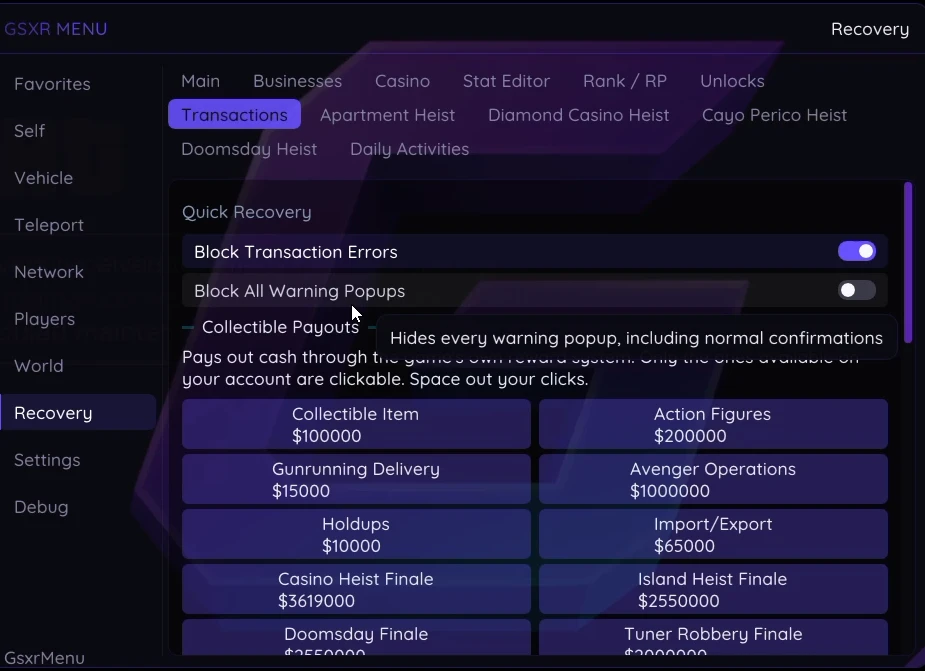
GSXR Mod Menu Instructions
Follow each step carefully to get up and running.
01
Download & Login
After purchasing, download the loader and log in using the key provided with your order.
02
Disable BattlEye Anti-Cheat
- Open Rockstar Launcher
- Go to Settings → General
- Uncheck the BattlEye option
- Inject the mod menu during the loading screen to patch BattlEye successfully
03
Load Your Session
Load Story Mode first, then join an invite-only or solo public session through the mod menu.
04
Disable Antivirus
Disable your antivirus before injecting. If you encounter any issues, please submit a support ticket and our team will assist you.
05
Daily Money Limit
For your account's security, do not add more than 20 million per day. Exceeding this may flag your account.
06
Always Start a Fresh Session
Always start a new public or invite-only session each time you play. Never reuse a previous session.